Calendar Sync
Connect your Google Calendar to schedule meetings, track appointments, and keep your CRM and calendar perfectly in sync.
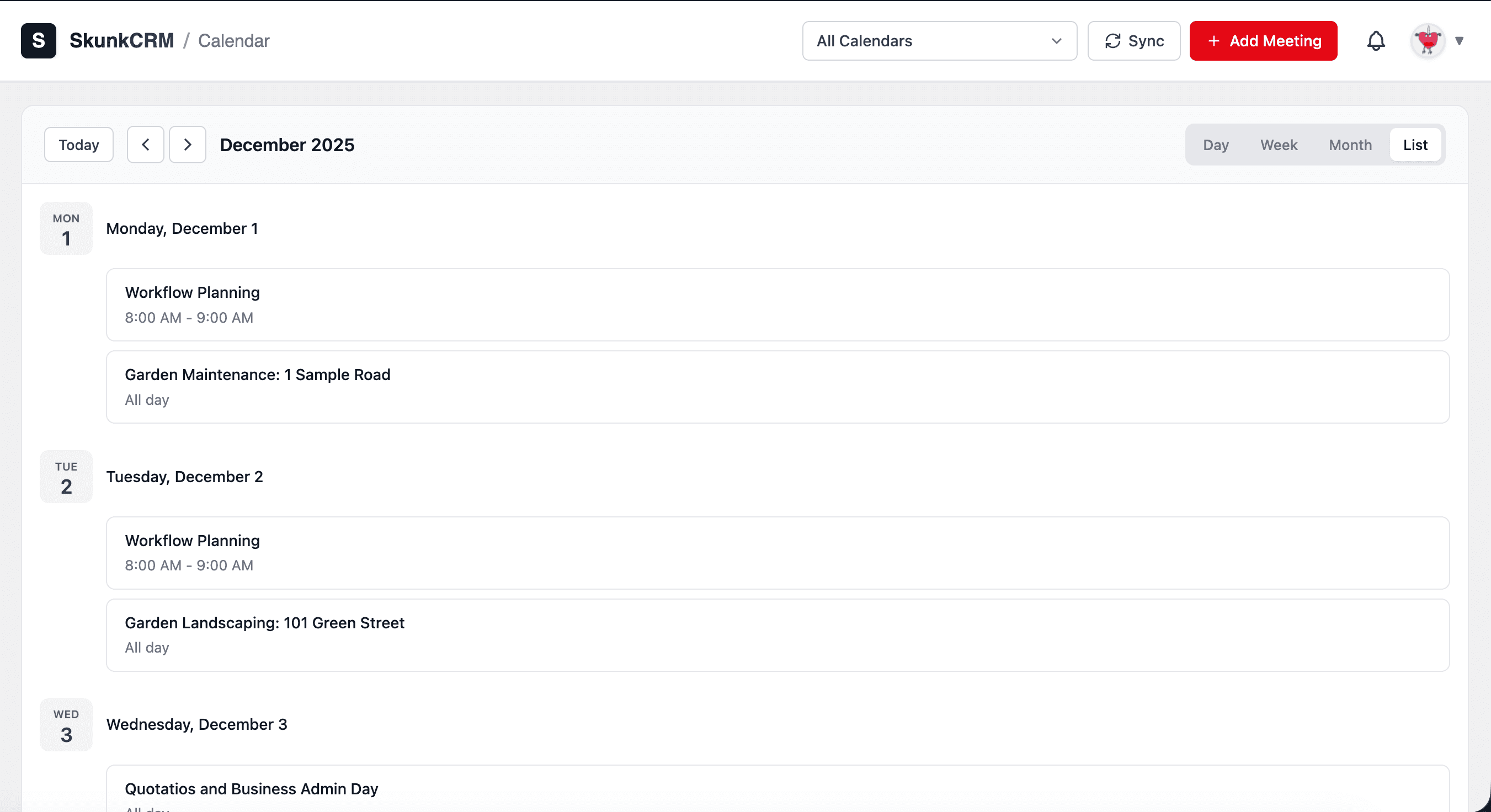
Your calendar, connected to your CRM
Stop double-booking and missing meetings. Keep your schedule organized with two-way calendar sync.
Google Calendar Sync
Connect your Google Calendar with one click. See all your events in the CRM and create new meetings that sync back automatically.
Schedule with Contacts
Schedule meetings directly from contact profiles. The meeting is automatically linked to the contact and logged in their timeline.
Meeting Reminders
Never miss an important meeting. Get reminded before scheduled calls and meetings with your contacts.
Activity Logging
Every meeting is automatically logged to the contact's activity timeline. Keep a complete record of all interactions.
Two-Way Sync
Changes made in Google Calendar or SkunkCRM sync both ways. Your schedule stays consistent across all your tools.
Quick Scheduling
Schedule meetings in seconds with the quick scheduler. Pick a time, add notes, and the meeting is created in both systems.
How it works
Get your calendar connected in minutes.
Connect Google Calendar
Click "Connect Calendar" and authorize SkunkCRM to access your Google Calendar. It takes just a few seconds.
Schedule Meetings
Use the "Schedule Meeting" button on any contact to create meetings. They'll appear in both your CRM and Google Calendar.
Stay Organized
View your upcoming meetings in the CRM calendar view. All meetings are linked to contacts for easy reference.
Ready to sync your calendar?
Get started with SkunkCRM Pro and keep your schedule perfectly synced with your CRM.
Get SkunkCRM Pro